App Store
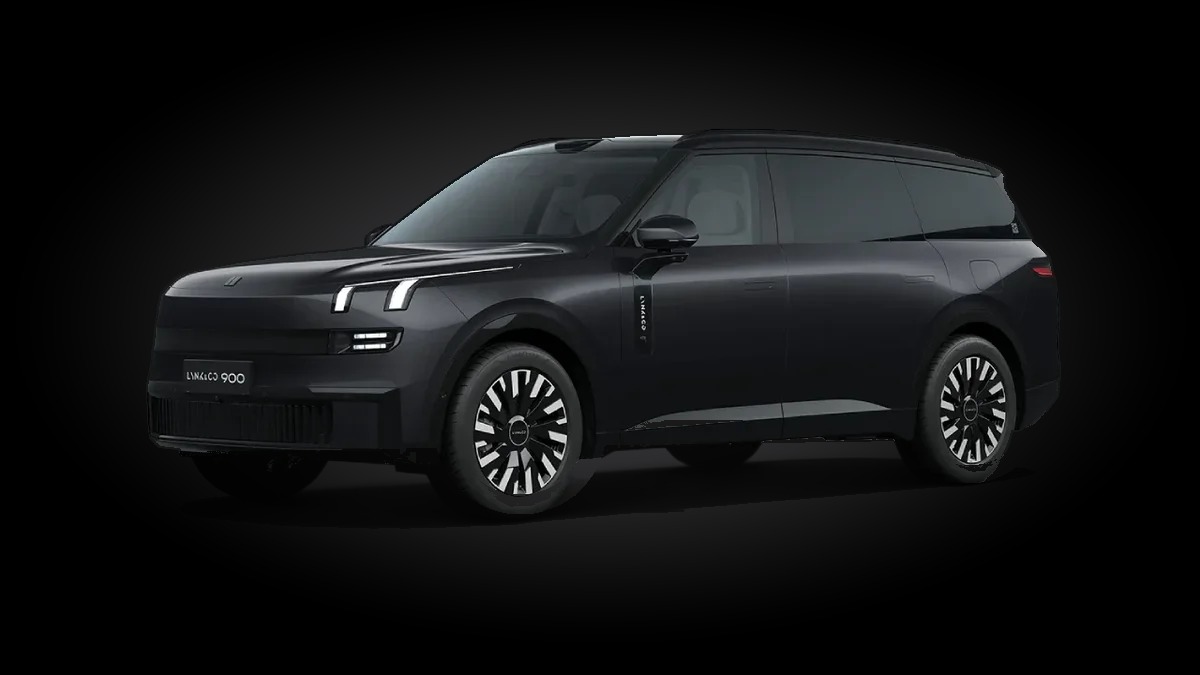
One place on your car's screen to install, update and manage apps made for the Lynk & Co 900 head unit: English interface, windshield HUD, front LED shapes, steering-wheel keys and more.
See the apps in action
First a tour of every app, then a live demo recorded on the car's own screens.
1 · All the apps
2 · Live on the real car
Made for the car
The store runs directly on the head unit. It is designed for the wide driver screen and works over the car's own internet connection.
Installs on the car
Apps install straight from the store on the head unit. No laptop, cable or USB stick needed.
Automatic updates
When a new version is out, an Update button appears. The store can even update itself.
Licensed per car
Each car is registered by its device. Apps only run on approved cars.
Car-style design
Wide tiles sized for the Lynk 900 home screen, in one matching black, white and cyan style.
Apps in the store
Every app is built or adapted for the Lynk & Co 900 and installs from the store on the car.
Recommended apps
Popular apps you can also get through the store's Recommended tab. They come straight from their official sources and aren't part of the store itself.
How it works
Getting started takes a few minutes.
Get the store
The App Store is installed once on the car's head unit.
Register the car
The store sends an activation request for your car, which is approved.
Pick your apps
Browse the list on the car's screen and tap Install on the apps you want.
Stay up to date
Open the store any time to see and install new versions.
Contact us
Questions, or want the App Store on your Lynk & Co 900? Message us on Telegram. Scan the code with your phone camera or tap the button.
Open in TelegramMR. HAWARI